
Stepping into the world of digital broadcasting requires a solid foundation. Whether you are setting up a professional studio or upgrading your home media system, the technology you choose defines your success. An iptv encoder acts as the essential backbone for modern content delivery, ensuring your signal remains stable and clear.
Selecting the best iptv encoder is a critical decision that directly impacts your visual fidelity. High-quality hardware transforms raw video into a smooth stream, preventing lag and buffering issues for your audience. By understanding these core components, you gain full control over your broadcast quality.
This guide explores the latest hardware and software options available this year. We will help you navigate the complex landscape of digital streaming to find the perfect fit for your specific needs.
Key Takeaways
- The right hardware is the backbone of reliable digital broadcasting.
- Visual fidelity depends heavily on your choice of compression technology.
- Proper setup prevents common streaming issues like lag and buffering.
- Professional and home setups require different technical considerations.
- Staying updated with 2024 technology ensures long-term streaming success.
What is an IPTV Encoder?
At the heart of every professional streaming setup lies a powerful device known as an iptv encoder. This essential piece of technology acts as the bridge between your raw video source and the digital network. Without it, high-definition video would be too large to travel efficiently across the internet.
The primary job of this device is to take uncompressed video signals from cameras or production switchers and convert them into a compressed digital format. This process ensures that your content remains high-quality while becoming small enough for smooth transmission over IP networks.
Definition and Functionality
An iptv encoder functions by breaking down video data into small, manageable packets. These packets are then sent across the network using specific streaming protocols. By managing these data streams, the device ensures that your viewers experience minimal buffering and consistent playback.
Beyond simple compression, these units often handle audio encoding and metadata insertion. This seamless integration allows for a professional broadcast experience that reaches audiences on various devices, from smartphones to large smart televisions.
Types of IPTV Encoders
When selecting the right equipment, you will find that these devices generally fall into two main categories. The choice depends largely on your specific needs, whether you are a hobbyist or managing a large-scale enterprise network.
Simple, compact units are often preferred for home use or small events where portability is key. In contrast, enterprise-grade solutions offer robust reliability and advanced features like multi-channel support and redundant power supplies for 24/7 operation.
| Feature | Home/Hobbyist | Enterprise-Grade |
|---|---|---|
| Primary Use | Personal Streaming | Professional Broadcasting |
| Reliability | Standard | High/Redundant |
| Scalability | Limited | Extensive |
| Cost | Budget-Friendly | Premium Investment |
Benefits of Using an IPTV Encoder
Achieving professional-grade video delivery requires more than just a fast internet connection. When you integrate a dedicated iptv streaming encoder into your workflow, you gain precise control over how your data is processed and transmitted to your audience.
Improved Streaming Quality
A high quality iptv encoder works by optimizing bandwidth usage, which is critical for maintaining a stable broadcast. By compressing video data efficiently, these devices significantly reduce latency, ensuring that your viewers experience minimal lag during live events.
Even when network conditions fluctuate, a reliable encoder maintains a consistent stream. This stability prevents pixelation and buffering, providing your audience with the crisp, clear video they expect from a professional service.
Cost-Effectiveness
While software solutions might seem cheaper initially, they often lead to hidden costs over time. Relying on inefficient software can cause frequent system crashes and expensive downtime that hurts your reputation.
Investing in dedicated hardware is a smarter long-term strategy for any serious broadcaster. These units are built to handle heavy workloads without overheating or failing, which ultimately saves you money on maintenance and emergency repairs.
| Feature | Hardware Encoder | Software Encoder |
|---|---|---|
| Reliability | High (Dedicated) | Variable (OS dependent) |
| Latency | Extremely Low | Moderate to High |
| CPU Load | Zero Impact | High Impact |
| Long-term Cost | Lower (Durable) | Higher (Frequent upgrades) |
Choosing a high quality iptv encoder ensures that your infrastructure remains robust as your audience grows. By selecting the right iptv streaming encoder, you protect your content delivery chain from common technical failures.
Types of IPTV Encoders Available
When you begin building your streaming infrastructure, you will quickly encounter two distinct paths: hardware-based and software-based solutions. Each option serves different operational goals, making it vital to understand which iptv encoder fits your specific technical requirements.
Hardware-Based IPTV Encoders
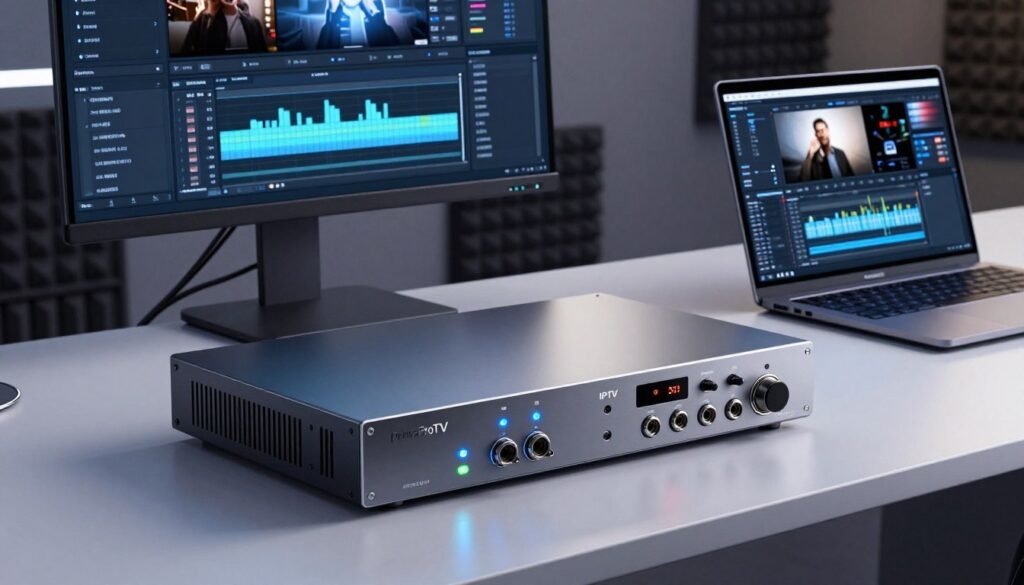
A professional iptv encoder is typically a standalone physical device designed for high-performance tasks. These units offer dedicated processing power, which ensures that your stream remains stable even during long-term operation. Because they are built for specific tasks, they are the preferred choice for 24/7 broadcast environments where downtime is not an option.
Software-Based IPTV Encoders
Software solutions run directly on your computer, providing incredible flexibility for independent content creators. These programs are often easier to update, allowing you to integrate new features or security patches without replacing physical hardware. While they rely on your computer’s CPU, they remain a popular choice for those who need a versatile and cost-effective iptv encoder setup.
| Feature | Hardware Encoder | Software Encoder |
|---|---|---|
| Reliability | High (Dedicated) | Moderate (System Dependent) |
| Flexibility | Low | High |
| Maintenance | Minimal | Frequent Updates |
| Best Use Case | 24/7 Broadcast | Independent Streaming |
Choosing the right professional iptv encoder depends on your long-term vision. If you prioritize unmatched stability, hardware is the way to go. However, if you value agility and frequent software improvements, a digital application will serve your needs perfectly.
Factors to Consider When Choosing an IPTV Encoder
Selecting an ideal device involves balancing your specific streaming requirements with your available budget. Before you commit to a purchase, you must evaluate how the hardware integrates with your current workflow. Making the right choice ensures that your broadcasts remain stable and professional.
Streaming Protocols
The foundation of any successful stream lies in the protocols your hardware supports. You should look for an iptv encoder that handles industry standards like RTMP, HLS, or SRT with ease. These protocols determine how your data travels from your source to your audience.
If you require low-latency delivery, ensure your device is optimized for SRT or WebRTC. Choosing a versatile unit allows you to adapt to different platforms without needing to replace your entire setup. Flexibility is key when you are managing diverse streaming environments.
Compatibility with Devices
Before finalizing your purchase, verify that the hardware works seamlessly with your existing cameras and capture cards. A best iptv encoder should offer a variety of input options, such as HDMI or SDI, to match your current gear. You should also check if the device integrates well with your existing network infrastructure.
Avoid potential integration headaches by confirming that the software interface communicates effectively with your local network. Compatibility issues often lead to dropped frames or connection failures during live events. Testing your hardware with your specific camera models early on will save you significant time and frustration.
Budget Constraints
Finding an affordable iptv encoder does not mean you have to sacrifice essential performance standards. Many entry-level devices now offer high-quality encoding capabilities that were previously reserved for expensive broadcast gear. You should prioritize features that directly impact your stream quality, such as bitrate control and hardware-based processing.
It is often helpful to compare the long-term value of a unit rather than just the initial price tag. The best iptv encoder for your needs is one that fits your current financial plan while allowing for future growth. By focusing on your core requirements, you can secure a reliable solution that keeps your production costs manageable.
Top IPTV Encoder Brands in 2024
Navigating the world of streaming technology can feel overwhelming given the sheer number of options available today. To ensure your broadcast reaches viewers with clarity and stability, selecting a reliable iptv encoder is the most important step you can take. We have analyzed the current market to highlight the brands that consistently deliver excellence for various types of creators.
Wowza
Wowza is widely recognized as a powerhouse for enterprise-level streaming. It offers robust solutions that handle massive traffic with ease, making it a preferred choice for large organizations. If you need a top iptv encoder that provides deep customization and high-end reliability, this brand is often the gold standard.
Telestream
When it comes to professional production, Telestream stands out for its incredible versatility. Their software and hardware tools are designed to integrate seamlessly into complex broadcast workflows. Many professionals rely on their systems because they offer advanced control over every aspect of the video signal, ensuring a polished final output.
OBS Studio
For those who prefer an open-source approach, OBS Studio remains the most popular choice globally. It is completely free, yet it packs enough features to rival many expensive commercial alternatives. Because it has a massive community of developers, you can find endless plugins to customize your setup exactly how you want it.
| Brand | Primary Strength | Best For | Cost |
|---|---|---|---|
| Wowza | Scalability | Enterprises | Premium |
| Telestream | Professional Workflow | Broadcasters | High |
| OBS Studio | Flexibility | Individual Creators | Free |
Choosing the right iptv encoder ultimately depends on your specific goals and technical requirements. Whether you prioritize the professional-grade features of Telestream or the accessible power of OBS Studio, these brands represent the best the industry has to offer in 2024.
How to Set Up an IPTV Encoder
Setting up your streaming equipment correctly is the foundation of a reliable broadcast. A well-installed iptv encoder ensures that your signal remains stable even during high-traffic events. By following a structured approach, you can avoid common technical pitfalls and focus on delivering great content to your viewers.
Step-by-Step Installation
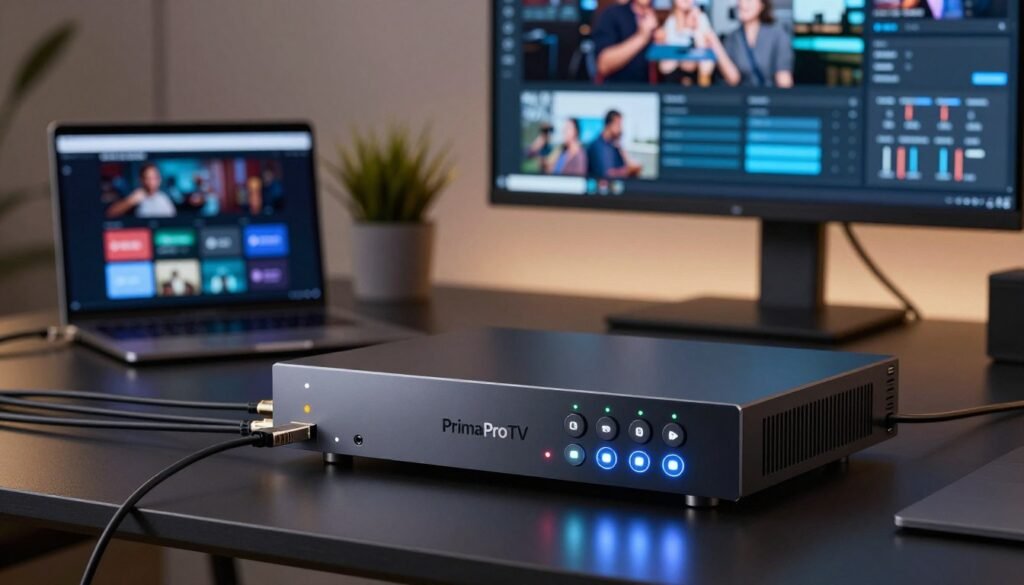
Begin by placing your device in a well-ventilated area to prevent overheating during long sessions. Connect your video source, such as a camera or switcher, using high-quality HDMI or SDI cables. Proper cable management is essential to prevent accidental disconnections and keep your workspace organized.
Next, connect your iptv encoder to your local network using a stable Ethernet cable rather than relying on Wi-Fi. A wired connection provides the consistent bandwidth required for high-definition streaming. Once connected, power on the unit and access the web-based management interface through your computer’s browser.
Configuration for Optimal Performance
After the physical setup is complete, you must adjust the software settings to match your streaming goals. Start by selecting the appropriate resolution and frame rate based on your internet upload speed. Keyframe intervals should typically be set to two seconds to ensure compatibility with most major streaming platforms.
Fine-tuning your bitrate is the final step to achieving a professional look. If your bitrate is too high, you may experience buffering; if it is too low, your video quality will suffer. Use the following table to guide your initial configuration settings for your iptv encoder.
| Quality Level | Resolution | Frame Rate | Recommended Bitrate |
|---|---|---|---|
| Standard Definition | 480p | 30 fps | 2,000 Kbps |
| High Definition | 1080p | 30 fps | 5,000 Kbps |
| Full HD Pro | 1080p | 60 fps | 8,000 Kbps |
Comparing Popular IPTV Encoders
Finding the perfect balance between power and simplicity is the key to a successful streaming setup. When you evaluate an iptv encoder, you must consider how it fits into your specific production environment. Some tools excel at live broadcast tasks, while others are better suited for managing pre-recorded libraries.
Real-Time Encoding vs. Pre-Recording
Real-time encoding is essential for live events where latency must be kept to an absolute minimum. An iptv streaming encoder designed for live use prioritizes speed and stability to ensure your audience receives the feed without interruptions. These units often feature dedicated hardware chips to handle high-bitrate processing on the fly.
Conversely, workflows involving pre-recorded content allow for more flexibility in file compression and quality settings. You can take your time to optimize the video file before it hits the network. This approach is ideal for video-on-demand services where perfect visual fidelity is more important than immediate delivery.
User-Friendly Interfaces
The complexity of your software interface can significantly impact your daily efficiency. A well-designed iptv streaming encoder should offer an intuitive dashboard that allows you to monitor streams at a glance. If the learning curve is too steep, you may find yourself struggling with settings during critical moments.
Many modern solutions now provide drag-and-drop functionality and automated presets to simplify the process. Choosing a system with a clean interface helps you focus on your content rather than troubleshooting technical menus. Ease of use is often the deciding factor for teams that need to deploy new streams quickly.
| Encoder Model | Primary Use Case | Interface Style | Best For |
|---|---|---|---|
| Hardware Pro | Live Streaming | Advanced/Manual | Professional Studios |
| Software Suite | Hybrid/VOD | Intuitive/GUI | Content Creators |
| Cloud Encoder | Remote Delivery | Web-Based | Scalable Networks |
Troubleshooting Common IPTV Encoder Issues
Even the most robust streaming setups can occasionally run into unexpected technical hurdles. When you rely on an iptv encoder for your daily broadcasts, knowing how to diagnose problems quickly is a vital skill. A proactive approach helps you minimize downtime and keeps your audience engaged.
Connection Problems
Network instability is often the primary culprit behind dropped packets and stuttering streams. If your broadcast frequently disconnects, start by checking your physical Ethernet cables for any signs of wear or loose connections. Reliable hardware requires a stable, high-speed internet connection to function at its peak.
You should also examine your router settings to ensure that the necessary ports are open for your stream. Sometimes, firewall restrictions can interfere with the data flow, causing intermittent signal loss. Testing your upload speed consistently will help you determine if your bandwidth is sufficient for your current bitrate settings.
Quality Issues
Maintaining a high quality iptv encoder output is essential for a professional viewing experience. If you notice visual artifacts or pixelation, it often indicates that your bitrate is set too high for your available upload speed. Lowering the bitrate slightly can often resolve these issues without sacrificing too much clarity.
Synchronization errors between audio and video can also occur during long broadcasts. If the sound falls out of sync, try restarting your software or checking for firmware updates on your device. Keeping your iptv encoder updated ensures that you have the latest patches to fix known bugs and performance glitches.
| Issue Type | Common Symptom | Recommended Fix |
|---|---|---|
| Network | Dropped Frames | Check Ethernet Cables |
| Visual | Pixelation | Adjust Bitrate Settings |
| Audio | Sync Mismatch | Update Device Firmware |
| Hardware | Device Overheating | Improve Airflow/Cooling |
Future Trends in IPTV Encoding
As we look toward the horizon, the role of the modern iptv encoder is becoming more critical than ever. The digital broadcasting landscape is evolving at a rapid pace, driven by a constant need for higher efficiency and better quality. Staying ahead of these changes ensures that your infrastructure remains competitive in a crowded market.
Advancements in Technology
The next generation of streaming hardware is leaning heavily into AI-driven compression. These smart algorithms analyze video frames in real-time to reduce file sizes without sacrificing visual fidelity. This innovation allows for smoother delivery even when network bandwidth is limited.
Furthermore, the industry is seeing a massive surge in demand for 4K and 8K streaming capabilities. An advanced iptv encoder must now handle these high-resolution formats with ease to satisfy modern viewers. Investing in hardware that supports these high-efficiency codecs today will save you from costly upgrades in the near future.
Predictions for Viewer Preferences
Modern audiences are no longer satisfied with passive viewing experiences. There is a growing shift toward interactive content, where viewers can engage with the stream directly. This requires ultra-low latency, which places new performance demands on your encoding equipment.
To remain relevant, your setup must prioritize speed and reliability. The following table highlights how these emerging trends compare to traditional broadcasting standards:
| Feature | Traditional Standard | Future Trend |
|---|---|---|
| Compression | Standard H.264 | AI-Optimized HEVC/AV1 |
| Resolution | 1080p HD | 4K and 8K Ultra HD |
| Latency | High (Seconds) | Ultra-Low (Milliseconds) |
| Engagement | Passive Viewing | Interactive/Real-time |
By focusing on these shifts, you can ensure your iptv encoder remains a powerful asset for years to come. Adapting to these trends is the best way to future-proof your digital streaming strategy.
Understanding Video Codec and Bitrate
Achieving professional-grade streaming quality requires a deep dive into the mechanics of video codecs and bitrates. When you operate an iptv video encoder, these two settings act as the foundation for your entire broadcast. They determine how much data is sent and how well that data is reconstructed on the viewer’s screen.
Importance for Streaming
A video codec is responsible for compressing raw video data into a manageable size for transmission. Without efficient compression, high-definition streams would consume far too much bandwidth for most home internet connections. The bitrate, meanwhile, represents the amount of data processed per second, directly influencing the clarity and smoothness of your video.
“Compression is the silent hero of the internet, allowing us to share high-quality experiences across the globe in real-time.”
Choosing between standards like H.264 and H.265 is a critical decision for any iptv video encoder setup. H.264 remains the industry standard due to its universal compatibility across older devices. However, H.265 offers superior compression, allowing for higher visual quality at lower bitrates, which is ideal for 4K content.
How to Choose the Right Codec
Selecting the correct codec depends heavily on your target audience and your available upload speed. If your viewers are using older mobile devices or smart TVs, H.264 is often the safest choice to ensure playback. For modern platforms where bandwidth is limited, H.265 provides a significant advantage by maintaining quality while reducing data usage.
Consider the following comparison to help guide your configuration choices:
| Codec Type | Compression Efficiency | Device Compatibility | Best Use Case |
|---|---|---|---|
| H.264 (AVC) | Moderate | Excellent | General Web Streaming |
| H.265 (HEVC) | High | Limited (Modern) | 4K/High-Res Content |
| AV1 | Very High | Emerging | Future-Proofing |
Always test your stream settings before going live to ensure your iptv video encoder is balanced correctly. By matching your codec to your audience’s hardware, you provide a seamless viewing experience. Proper optimization ensures that your content reaches viewers without buffering or pixelation, regardless of their connection speed.
User Experiences and Reviews of IPTV Encoders
Real-world feedback is the most reliable way to evaluate how a device performs under pressure. When you are searching for the perfect iptv encoder, looking at how others use these tools in their daily lives can provide clarity. It helps you move beyond marketing claims to see how hardware handles actual streaming demands.
Case Studies from Content Creators
Many professional streamers have successfully integrated high-end units into their production workflows to ensure seamless broadcasts. For instance, independent production studios often report that switching to a professional iptv encoder significantly reduced their latency issues during live events. These creators emphasize that stability is the most critical factor when managing multiple high-definition feeds simultaneously.
Successful setups often share common traits that you can replicate in your own environment:
- Redundancy: Using dual-power supplies to prevent unexpected downtime.
- Protocol Flexibility: Choosing devices that support both RTMP and SRT for better compatibility.
- Thermal Management: Ensuring proper airflow to maintain performance during long-duration streams.
Customer Testimonials
Users frequently highlight the reliability of modern encoding hardware in diverse, challenging environments. Many testimonials suggest that the ease of configuration is what separates a standard device from a top-tier iptv encoder.
“After upgrading to a professional-grade unit, our stream quality remained rock-solid even during peak network traffic. It was the best investment for our studio’s growth.”
Ultimately, the consensus among the streaming community is that investing in a reliable professional iptv encoder pays off through fewer technical headaches. By learning from these shared experiences, you can make an informed decision that supports your long-term streaming goals.
Conclusion: Choosing the Right IPTV Encoder
Finding the right technology transforms your broadcast quality and viewer engagement. You now possess the knowledge to navigate the complex market of streaming tools with total clarity.
Essential Features for Success
Focus on hardware that supports your specific bitrate needs and network stability. A reliable iptv encoder acts as the backbone of your entire broadcast setup. Prioritize devices that offer seamless integration with your existing software and camera gear.
Top Picks for Your Setup
For professional results in 2024, Wowza and Telestream remain industry leaders for high-demand environments. If you prefer a flexible software approach, OBS Studio provides incredible power for creators on a budget. Choosing the best iptv encoder depends on your unique goals and technical requirements.
Invest in equipment that grows alongside your audience. Your commitment to quality streaming will pay off as you build a loyal following. Start your journey today by selecting the tools that match your vision for digital content.


